
One AI concierge. Seven completely different jobs.
Ask the same question as an owner, a field agent, a subcontractor, or a customer, and you'll get four different answers, because the assistant is built with a genuinely different, data-grounded briefing for every role. It isn't a generic chatbot bolted onto a CRM. It's read the CRM.
Most "AI assistants" are the same chatbot in a company's colors.
Same answers regardless of who's asking, no real awareness of what's happening in the account. That's a novelty, not a tool.
The AI Assistant is built on a real, per-role context engine. Every question assembles a fresh system prompt from live account data, but a different prompt depending on whether the person asking is an Owner, Admin, Field Agent, Contractor, Subcontractor, Vendor, or Customer.
It already knows who you are.
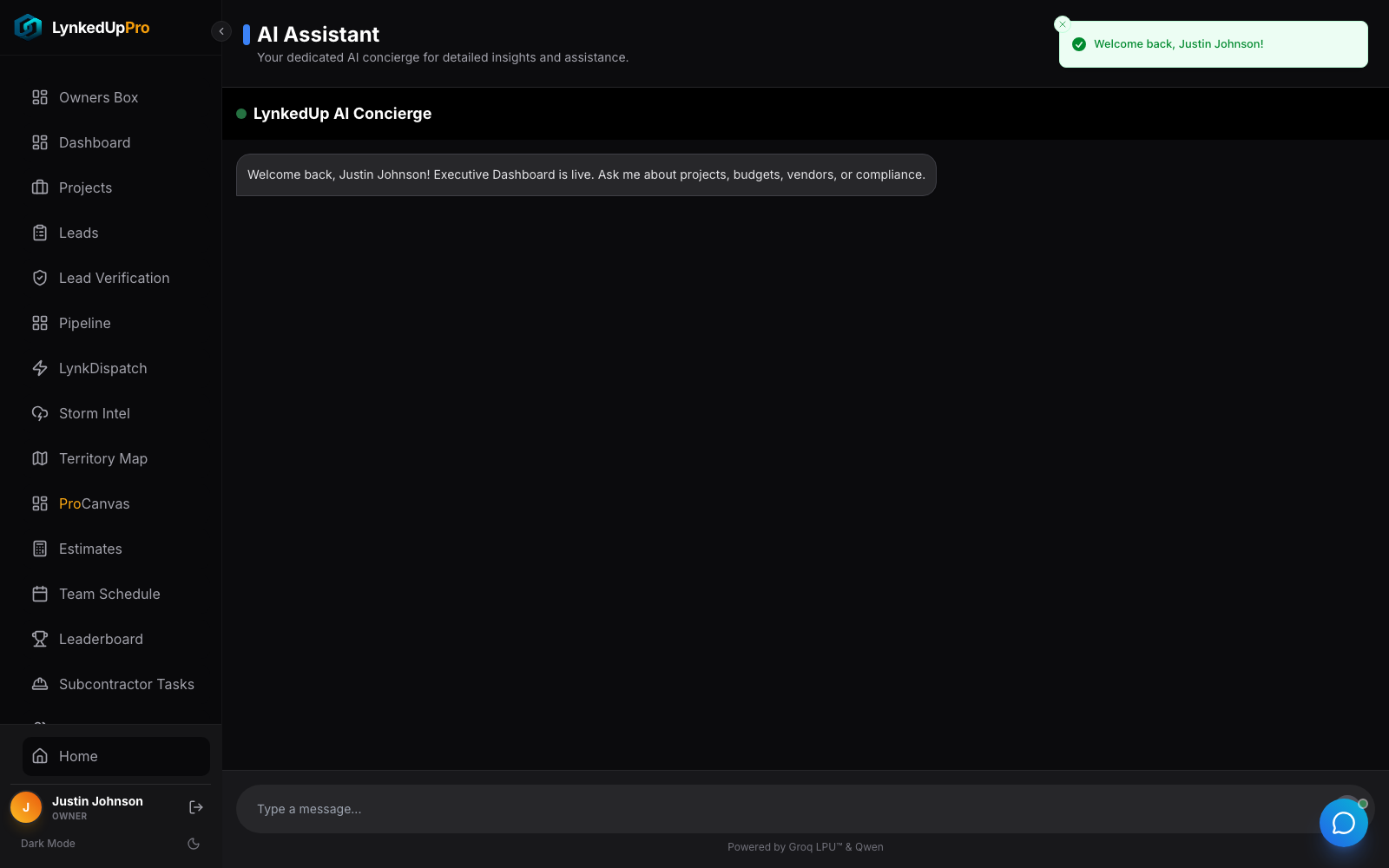
Real captures of the live interface, the role-aware greeting and the multi-turn flow.
Ask as three different people.
Switch the role, then ask the same kind of question, and watch the concierge answer from a completely different briefing each time.
Illustrative answers. In the product, each briefing is assembled live from your own account data across seven roles.
Grounded in your actual account.
 click to zoom
It already knows who you are.
An Owner sees "Executive Dashboard is live. Ask me about projects, budgets, vendors, or compliance." A Field Agent sees "I have your territory data and agenda ready." Zero setup, the moment you log in, it knows your role.
 click to zoom
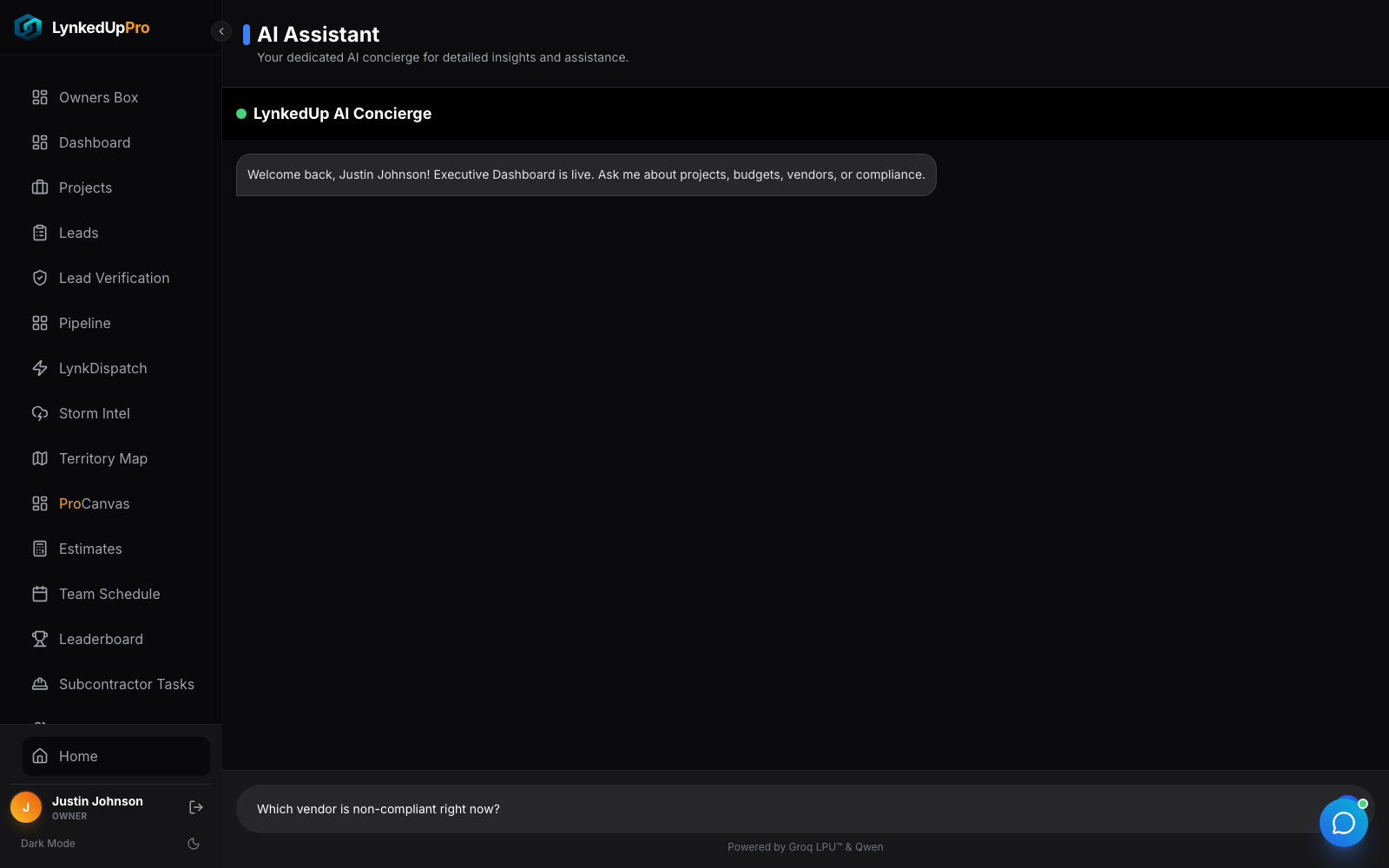
Ask a real question.
Plain language, no syntax to learn.
 click to zoom
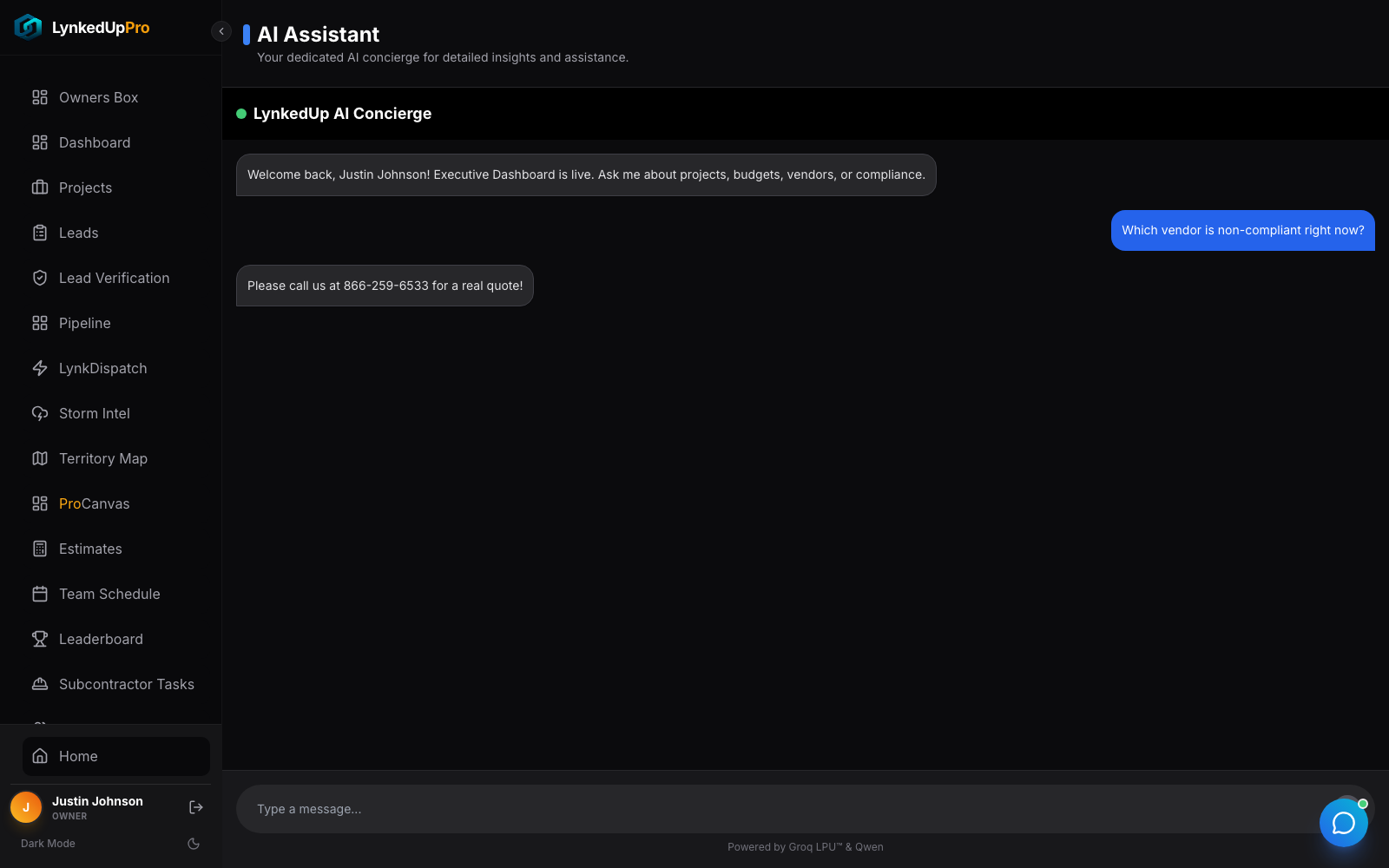
Get an answer grounded in your account.
The assistant replies in the same panel, ready for a follow-up, drawing on your real leads, projects, vendors, and revenue for that role.
 click to zoom
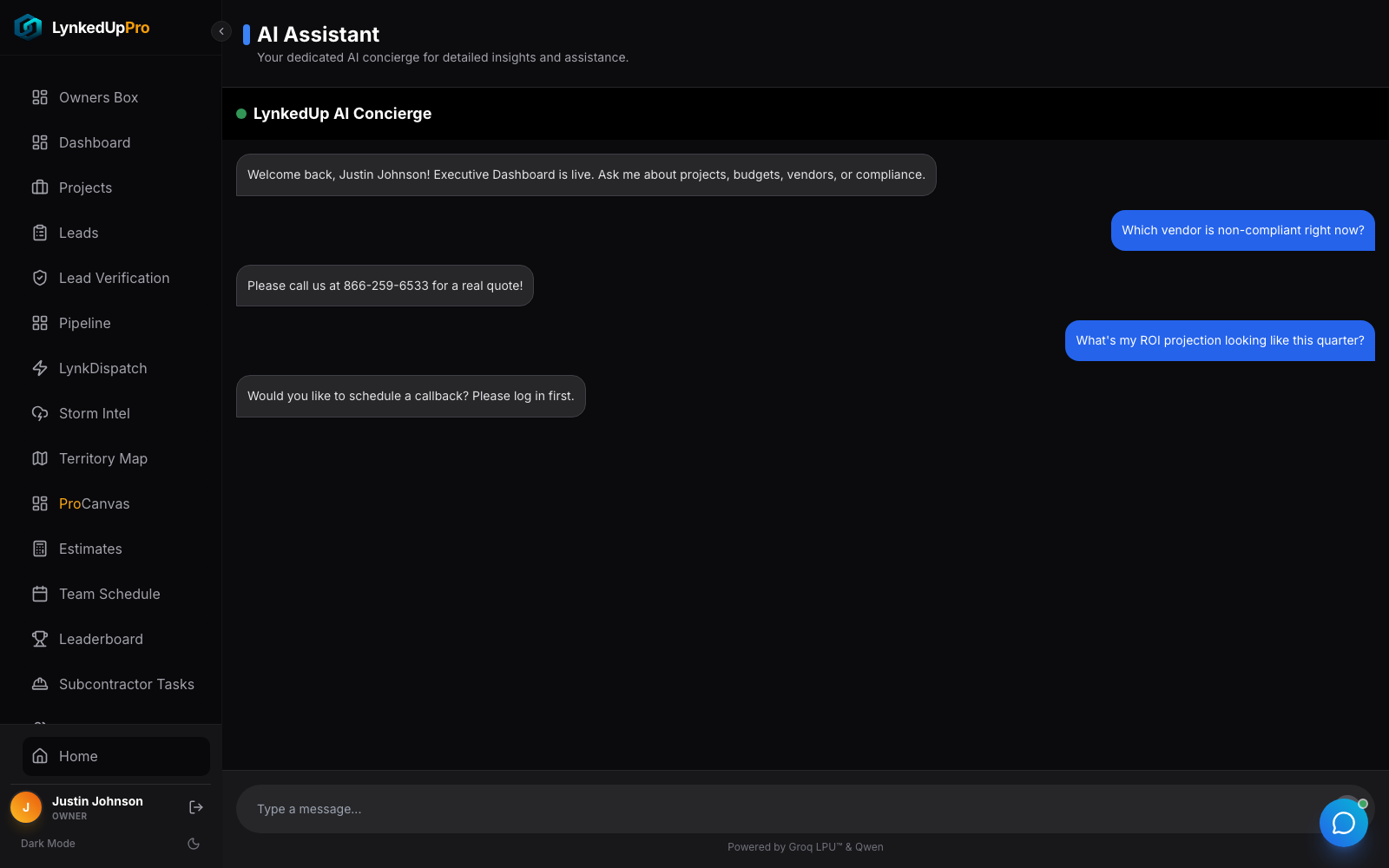
Keep the conversation going.
Multi-turn, with bounded history so it stays fast no matter how long the chat runs.
What each role actually gets.
Same assistant, seven genuinely different jobs, and a subcontractor literally cannot see another's data.
| Role | Briefed on |
|---|---|
| Owner | Project count, budget/spend/variance, portfolio risk & ROI, vendor compliance, document expiries, staff counts. |
| Admin | Unassigned & hot leads, pending signatures, the real sales leaderboard, pipeline status, today's meetings. |
| Field Agent | Their agenda, hot & "golden" leads, pending signatures, their own YTD revenue and win rate. |
| Contractor | Their projects, a 14-day critical task list, financials, expired-doc warnings, assigned subs/vendors. |
| Subcontractor | Only their tasks, payouts, compliance, and their GC's name, scoped so one sub never sees another's data. |
| Vendor | Their orders, invoices, compliance, and spend. |
| Customer | Their property record, roof-condition advice, service history, and warranty status. |
Not a demo. Real infrastructure.
Every role gets a genuinely different briefing.
Leads, projects, vendors, revenue, not canned copy.
Every system prompt is hard-capped at 4,000 tokens, with long lists auto-truncated.
Only the most recent 12 messages are resent per turn, so it stays fast.
A real callback-scheduling tool-use pattern, not just talk.
The moment you log in, the assistant already knows your role.
The questions every operator asks.
No, the system prompt is assembled fresh from live account data and branches across seven distinct roles. A subcontractor literally cannot see another's data.
The context builder caps every list and hard-truncates at a token boundary ("…and 12 more"), so it never blows the budget.
It has a working callback-scheduling tool-use pattern, it can book a real callback in the CRM and confirm it back to you.
The other seven moving parts.
One assistant. Seven jobs. Always briefed on exactly what you need to know.
That's the AI Assistant. Book a walkthrough and ask it something as your own role.