
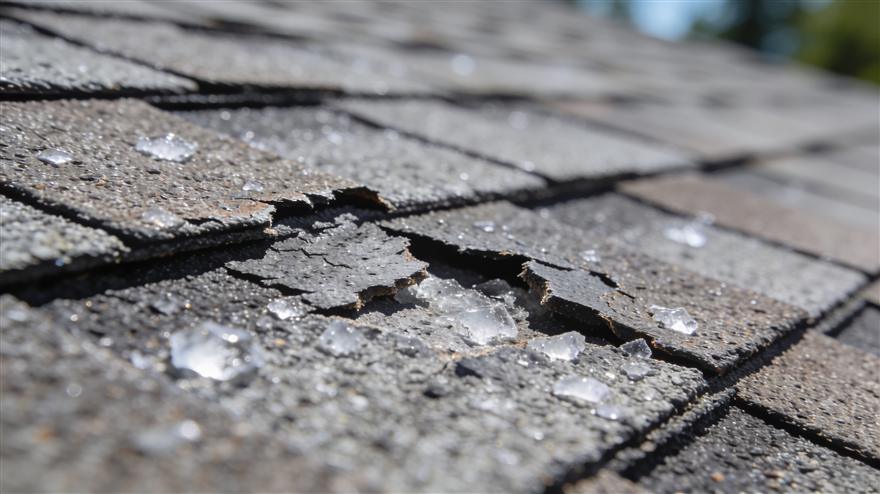
Every roofing CRM demo looks impressive. Six months later, most roofing companies use a handful of the features they were shown, and reps are back to texting the office.
The features that matter are the ones that remove a specific, expensive failure: a lead that never got a second call, an estimate that took a second visit, a crew that ordered the wrong material, a claim that stalled on a missing photo. This guide walks through the roofing CRM features that actually earn their keep, the ones that sound good but rarely get used, and how to test both before you sign.
What a Roofing CRM Is For
A general CRM tracks contacts and deals. A roofing CRM has to track the roof too: measurements, storm dates, insurance claims, material orders, crew schedules, and photo evidence. That is the test for every feature on the list below. Does it help a lead become a signed job, a signed job become a finished roof, and a finished roof become a paid invoice, without someone re-typing the same information three times?
The Features That Actually Matter
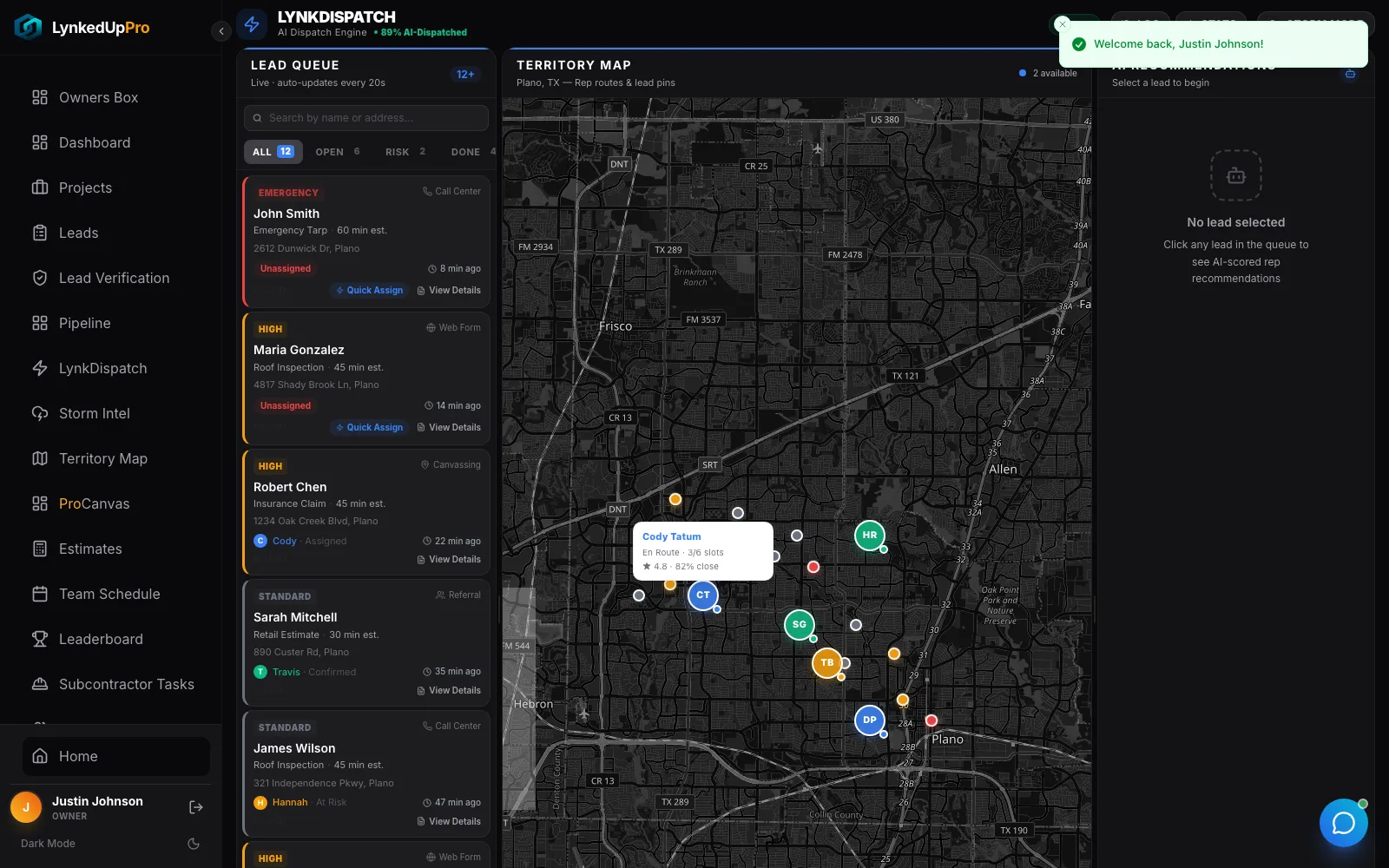
1. One pipeline for every lead source
Door knocks, web forms, phone calls, referrals, and bought leads should all land in the same pipeline with a stage, an owner, and a next action. If canvassing leads live in one app and web leads in another, you cannot answer the most basic question in roofing sales: which leads are we actually closing?
2. Automated follow-up
Most roofing leads are lost to silence, not to competitors. A rep means to call back Thursday, and the homeowner signs with the company that called Wednesday. Follow-up sequences by text and email, triggered by pipeline stage, make the second and third touch happen whether or not anyone remembers. Our guide to roofing follow-up automation covers how to build them.
3. Missed-call and speed-to-lead tracking
You cannot improve response time you do not measure. Look for alerts on missed calls and unread messages, and reporting on how quickly each rep responds to new leads.
4. Measurement that flows into the estimate
The fastest path from inspection to signature is a measured roof that prices itself against your own pricebook. When measurements arrive as a PDF that someone re-keys into a spreadsheet, every estimate takes longer and every typo costs margin.
5. Proposals with e-signature and deposit capture
Good, better, best options, the homeowner's signature, and the deposit, all on the same visit. The company that presents first usually wins, so this feature pays for itself in jobs you would otherwise have lost to a quicker competitor.
6. Production that starts from the signed scope
The signed estimate should become a job with stages, crew assignments, delivery dates, and a material order built from the same measured numbers. If sales and production use different systems, the estimate says 32 squares, the crew orders 28, and the office finds out at invoicing.
7. Photos, documents, and claim tracking
Time-stamped photos, contracts, scopes, and supplements belong on the job record, not on a rep's phone. For insurance work, this is the difference between a supplement that gets paid and one that stalls. See how to document roofing supplements.
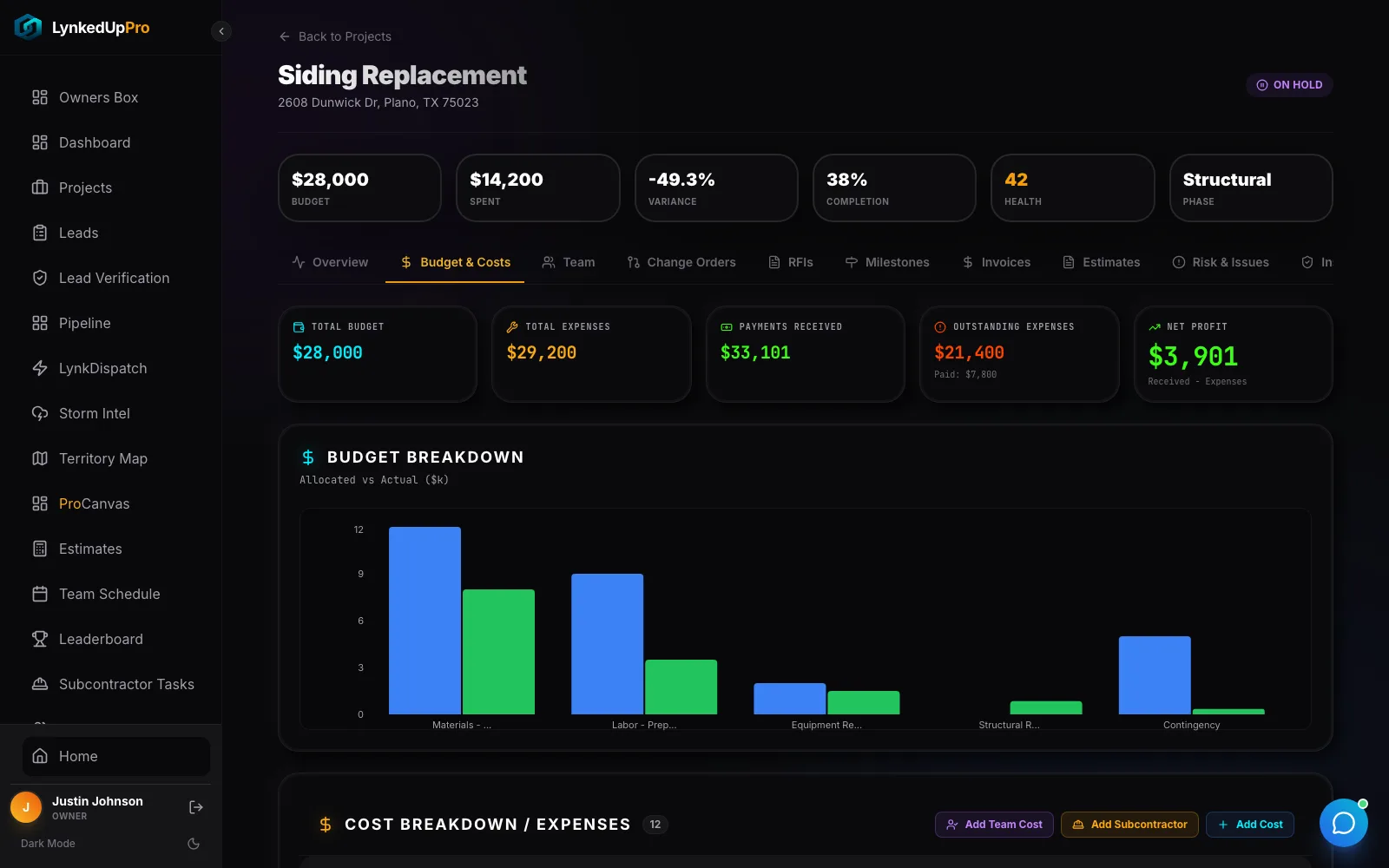
8. Invoicing and job costing
Invoices should read from the signed scope plus approved changes. Job costing should compare estimated and actual material and labour while the job is still open, not two months after the crew left. A QuickBooks sync keeps the books and the jobs in agreement.
9. A mobile app built for the field
The people who create the data are outside. If logging a photo, a note, or a signature takes more than a few taps, or does not work without signal, your reps will not do it. Offline capture that syncs when coverage returns is a requirement, not a bonus.
Features That Sound Good but Often Go Unused
| Feature | Why it disappoints | When it is worth it |
|---|---|---|
| Endless custom fields | Nobody fills them in, and reports break | When a field drives a decision or an automation |
| Complex dashboards | Owners check them once, then ask the office | When they show a few numbers you act on weekly |
| Built-in email marketing | Duplicates a tool you already use | When campaigns are tied to pipeline stages |
| Gamified leaderboards | Motivating for a month, then ignored | For canvassing teams competing on real activity |
| Generic AI chat | Answers questions nobody asked | When AI does a job, such as answering calls or measuring roofs |
Features Roofers Forget to Ask About
- Canvassing and territory maps. If you knock doors after storms, canvassing data needs to land in the CRM, not in a separate app.
- Storm and hail data. Knowing where hail actually fell decides where your reps spend the week.
- Phone answering. An AI receptionist that books inspections and writes calls into the pipeline closes the gap when everyone is on a roof.
- Commission tracking. Paying reps from the CRM is the strongest adoption tool you have.
- Data export. Ask how you get your data out before you put it in.
How to Test Roofing CRM Software Before You Buy
Do not judge a CRM from a scripted demo. Bring one real job and walk it through. Here is what that test looks like in practice, with what to watch at each step.
- The lead. Stand in the parking lot and enter a canvassed lead on a phone, with a photo. Watch for: how many taps it takes, and whether it appears in the office pipeline without anyone moving it.
- The measurement. Measure the roof from the address and build a priced estimate from your pricebook. Watch for: whether squares and waste flow into the price, or someone re-types them.
- The proposal. Send good, better, best options, sign on screen and take a deposit. Watch for: whether the signed option, not the draft, is what production sees.
- The job. Turn it into a scheduled job with a crew, a delivery date and a material order. Watch for: whether the material quantities match the measured scope.
- The change. Add a change order and upload completion photos. Watch for: whether the invoice, job costing and rep commission all update from the change.
- The report. Ask for close rate by lead source and margin on this job. Watch for: whether anyone has to export a spreadsheet to answer.
Count the separate apps, logins and re-typed numbers the test took. That count is the real cost of the system, and it is a fairer comparison than any feature list.
Why One Record Beats Five Subscriptions
Many roofing companies run a CRM, a measurement service, a canvassing app, an e-sign tool, and a scheduling app, each billing monthly and none talking to the others. LynkedUp Pro's roofing CRM software carries the job from the first door knock to the final invoice on one record: canvassing, storm intelligence, measurements, estimates, production, crews, documents, payments, and an AI receptionist. Entry pricing starts from $129 per month. Compare it with the alternatives in our guide to the best roofing CRM software, or see AccuLynx vs JobNimbus vs Roofr.
Frequently Asked Questions
What features should a roofing CRM have?
At minimum: one pipeline for all lead sources, automated follow-up, measurement-based estimating, proposals with e-signature, production scheduling, photo and claim documentation, invoicing with job costing, and a mobile app that works offline.
What is the most important roofing CRM feature?
Automated follow-up usually has the biggest immediate impact, because most lost roofing leads are lost to slow or missing follow-up rather than to price.
Do roofers need a roofing-specific CRM?
Most do. General CRMs track contacts and deals but not measurements, storm dates, insurance claims, material orders, or crew schedules, so roofers end up bolting on several extra tools.
Should a roofing CRM include canvassing?
If your team knocks doors, yes. Canvassing leads should enter the same pipeline as web and phone leads so you can track them through to a signed job.
How do I compare roofing CRM software?
Run one real job through each system from lead to invoice, and count the apps, logins, and re-typed numbers it took. Then compare total cost per job, including measurement reports and add-ons.